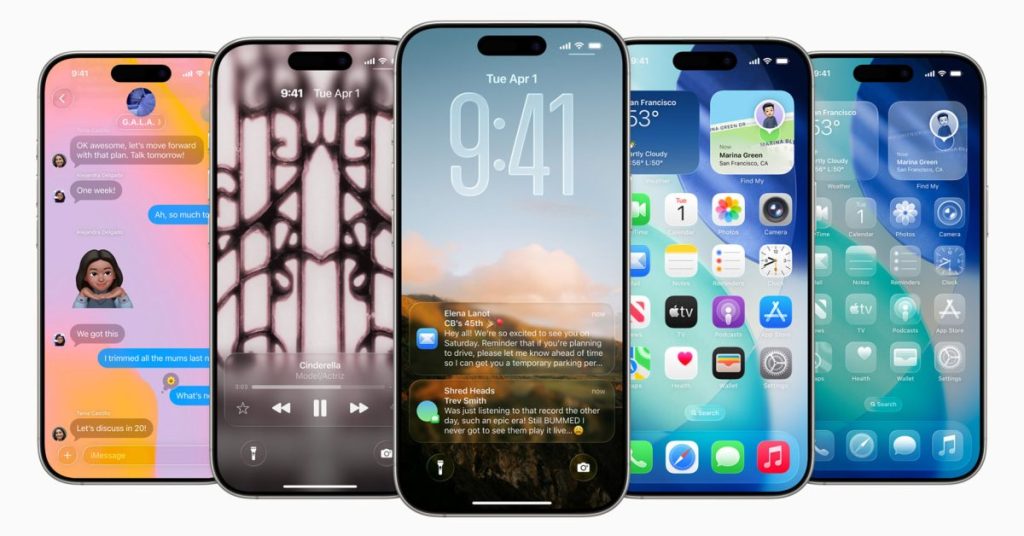
Apple has released Release Candidate versions of iOS 26.4 and iPadOS 26.4 to developers and public beta testers. The update, arriving one week after the fourth beta release, is expected to be the final version pushed to all users if no major bugs are discovered. Registered developers and testers can download the software through the “Settings” app on their iPhone or iPad, under the “General” menu and then “Software Update.”
Apple Music Introduces AI Playlist Generation
The iOS 26.4 and iPadOS 26.4 updates bring several latest features to Apple devices. Apple Music is launching a feature called Playlist Playground, allowing users to generate personalized playlists based on any idea, mood, emotion, or activity through text prompts. This integration underscores the growing trend of artificial intelligence enhancing music discovery and personalization.
the system adds a “Nearby Concerts” feature to search for local performances, and introduces a new full-screen cover visual design for albums and playlists.
Apple Podcasts Integrates Native Video Podcasts
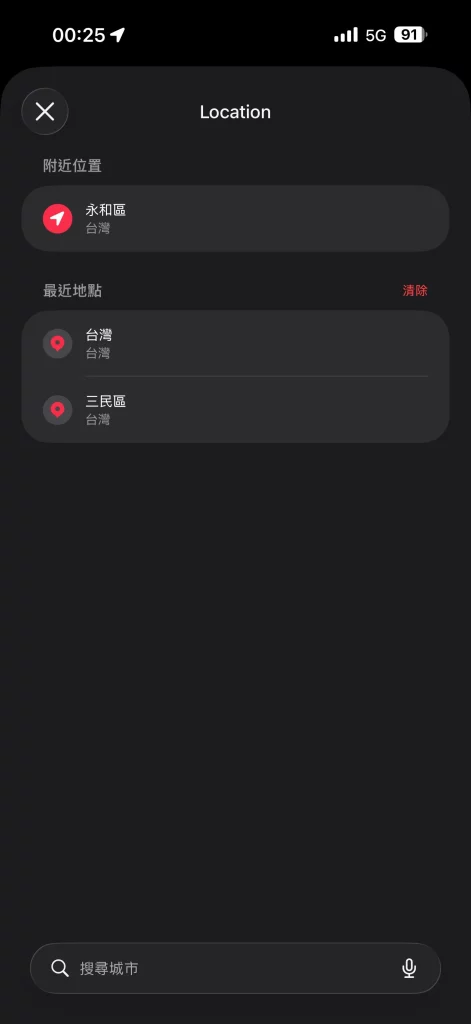
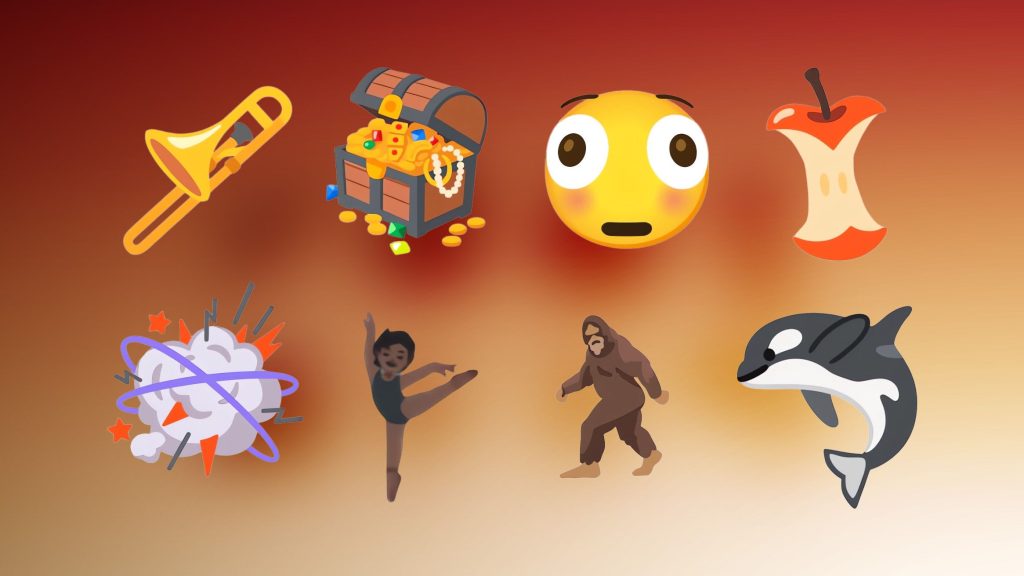
Apple Podcasts now supports native video podcasts, making it easier for creators to produce, distribute, and monetize their content through the app. Video episodes will be deeply integrated with existing features like personalized recommendations and editorial suggestions. The update also includes eight new emojis – including a trombone, treasure chest, distorted face, furry creature, battle cloud, orca, and landslide – enriching user social communication.
Eight New Emojis
The emoji keyboard has been updated with eight new icons, including an orca, trombone, landslide, ballet dancer, and distorted face.
Emergency Reminders
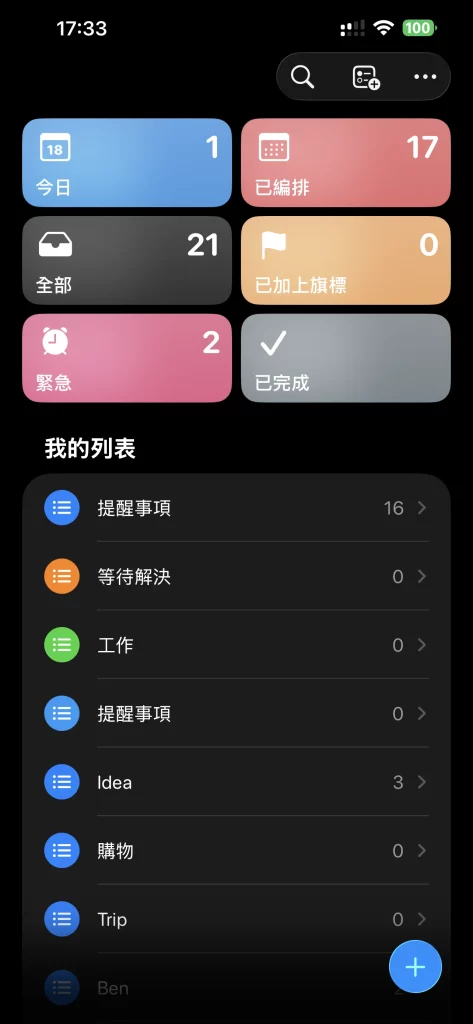
Reminders can now be flagged as “urgent” via the Quick Action toolbar or a long press, and filtered in Smart Lists.
Reduce Brightness Setting
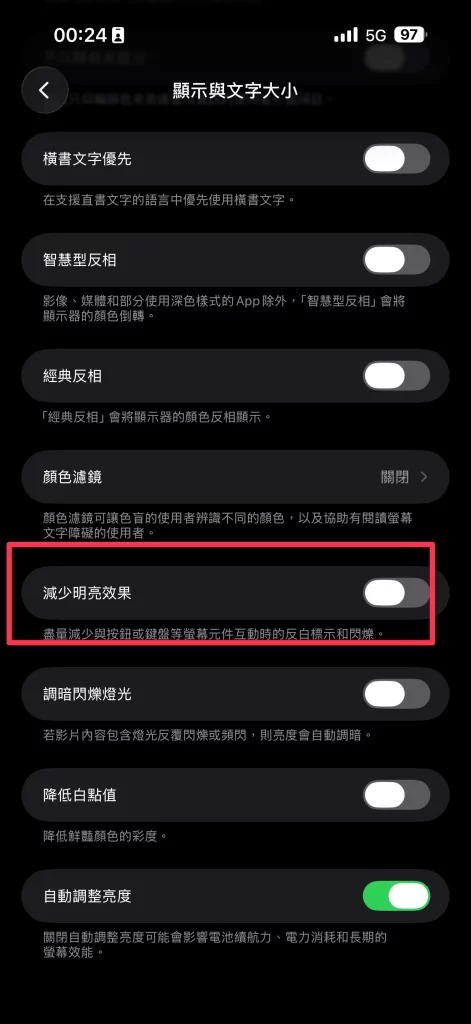
Within Display & Text Size in Accessibility settings, users can enable “Reduce Brightness” to minimize flashes when tapping elements.
Stolen Device Protection Enabled by Default
In terms of system security and everyday employ, “Stolen Device Protection” is now enabled by default, further enhancing user data security. The Sleep app now includes average bedtime data monitoring to help users track their sleep habits. The system also adds a new Ambient Music widget and optimizes several details to improve overall smoothness and stability.