
Fans of the Resident Evil franchise have been eagerly anticipating Resident Evil Requiem, not only as the latest installment in the series but also as a technical showcase for the PC platform. Recent entries, particularly the remakes of Resident Evil 2 and Resident Evil 3, have set a high bar for visual fidelity and performance. Capcom has continued to support these titles post-launch, notably releasing an update that added Ray Tracing to all three games – Resident Evil 2 Remake, Resident Evil 3 Remake, and Resident Evil 7 – demonstrating a sustained commitment to its titles even after release.
The fresh game once again utilizes the RE Engine, which has grow the foundation for many of Capcom’s modern titles. The engine has earned a strong reputation for delivering advanced graphics with relatively stable performance compared to many other options. Still, with each new release, Capcom aims to push the technical boundaries further, making the task of maintaining strong performance increasingly complex.
The PC version of Resident Evil Requiem supports NVIDIA technologies like DLSS 4, in addition to MFG. Whereas not everyone is a fan of upscaling or frame generation technologies, they have become commonplace in modern gaming, especially as graphical demands increase. With the advancements seen in DLSS 4.5 using M and L models, these technologies can, in some cases, deliver image quality that even surpasses the native resolution.
The game also offers Path Tracing, one of the most advanced rendering techniques currently available. This technology delivers incredibly realistic lighting and reflections, but is also known for being extremely demanding on hardware, pushing even the most powerful graphics cards to their limits, as seen in other titles.
Can the RE Engine maintain its reputation for efficiency even with a demanding technique like Path Tracing? Or will this technology present an insurmountable obstacle for the engine?
Path Tracing: The PC Version’s Biggest Technical Addition
Upon first launching Resident Evil Requiem, the game automatically runs a brief performance test to assess system capabilities. Following the test, the game prompts the user to select either a Quality or Performance mode, a somewhat unusual approach for a PC title as this type of division is typically geared towards consoles. Instead of accepting the default suggestions, a manual adjustment of the graphics settings was preferred to achieve the best balance between performance and quality, as full control over settings is a key advantage of the PC platform.
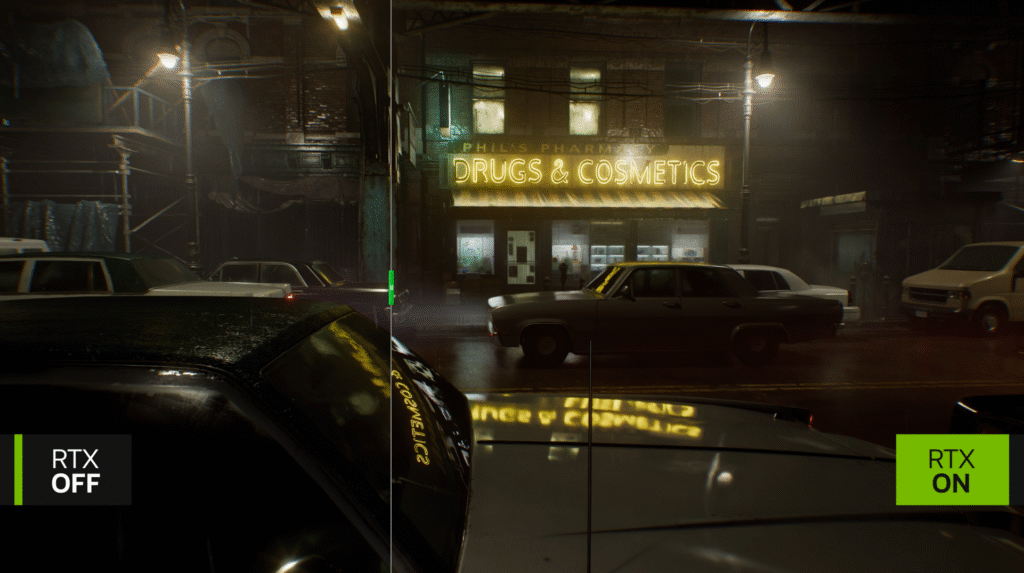
However, the standout feature of the PC version is the inclusion of Path Tracing, currently the most advanced lighting technology in gaming. Unlike traditional ray tracing, this technique simulates the entire path of light within a scene, resulting in more accurate lighting and incredibly realistic reflections. In Resident Evil Requiem, this is evident in the shadows, detailed reflections on surfaces, and the way light spreads within dark environments, adding visual depth and enhancing the series’ signature horror atmosphere. The technology also adds more accurate contact shadows and more realistic local illumination compared to even the highest traditional ray tracing settings.
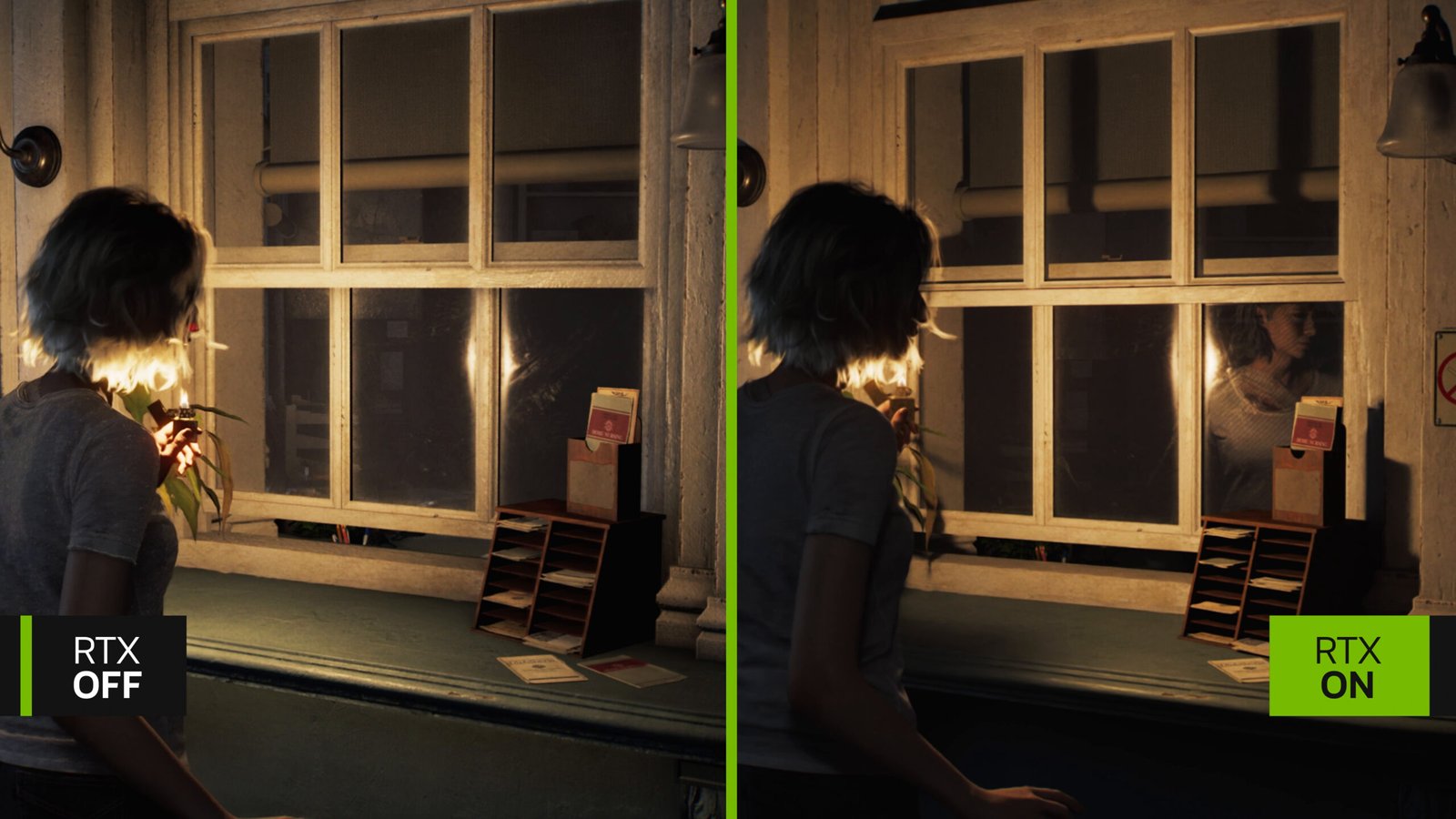
However, this visual leap comes at a significant performance cost. The performance difference between Path Tracing and other settings is substantial; switching from Path Tracing to standard ray tracing can increase performance by more than 150%, while disabling ray tracing altogether can result in an improvement of up to 350% in some cases. Path Tracing is recommended only with powerful cards such as the RTX 4070 or RTX 5070 and above. Lower-finish cards are better off sticking with standard ray tracing or disabling it for more stable performance.
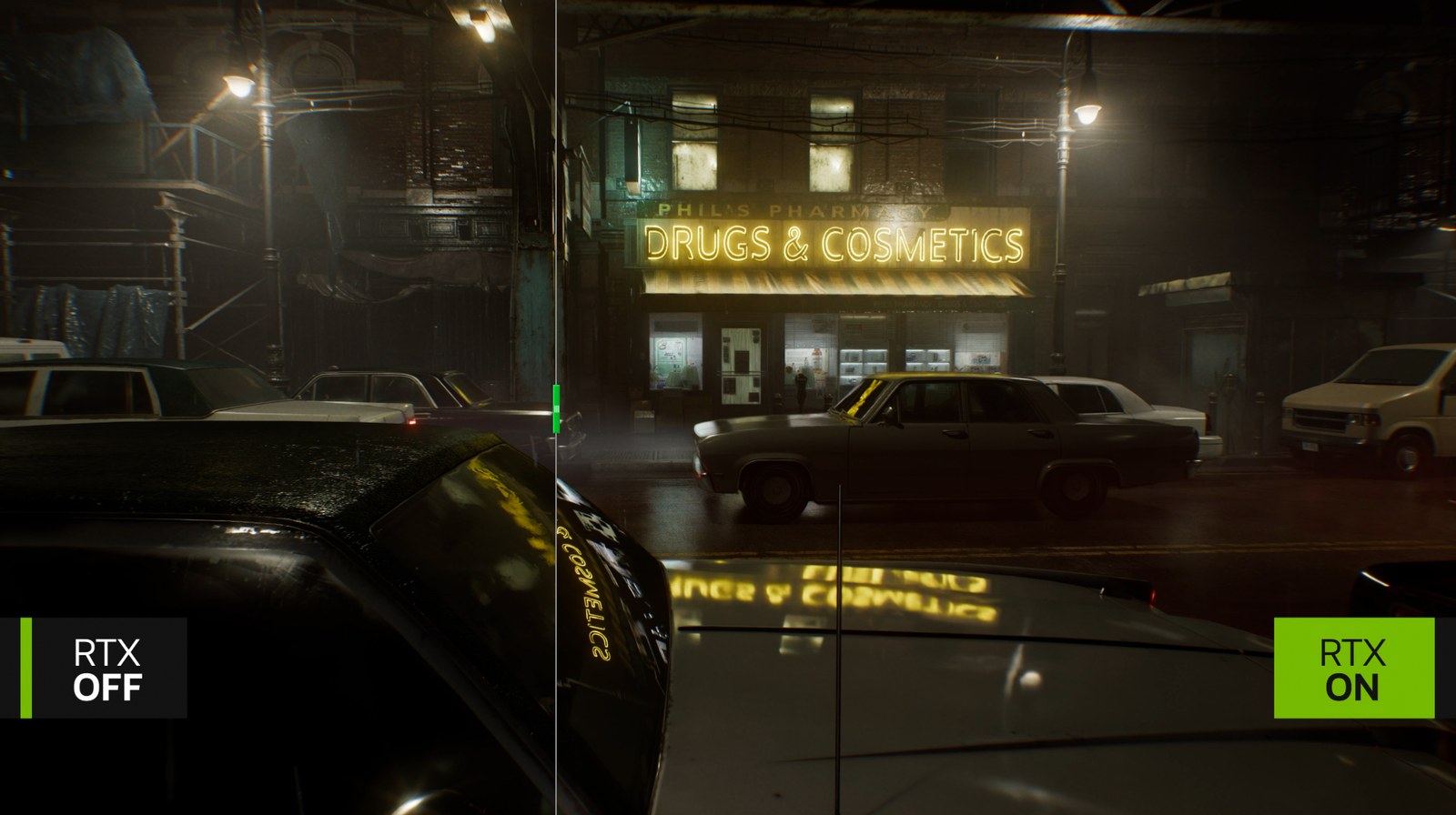
It’s also worth noting that Path Tracing in the game relies on DLSS Ray Reconstruction to refine the image and reduce noise resulting from ray tracing, and therefore currently only works with NVIDIA RTX cards. Path Tracing is the most significant technical addition to the PC version of Resident Evil Requiem, offering a clear visual leap over traditional settings, but requiring powerful hardware to take advantage of it without sacrificing performance.
Understanding the Graphics Settings in Resident Evil Requiem
Navigating the graphics menu in Resident Evil Requiem reveals a large number of options for fine-tuning the experience, a common feature in RE Engine games that often provide extensive control over image details. The menu is divided into several sections, starting with basic display settings like resolution, display mode, and color space/HDR, then moving to general quality settings, and finally a section of advanced settings that gives players control over almost every visual element within the scene.

One setting many PC players prefer to disable is Motion Blur. This option adds a blurring effect during swift movement or in some cinematic scenes. While it may add a cinematic touch, it often provides no real benefit during actual gameplay and can even make the image less clear, especially during fast-paced action. Many prefer to turn it off for a sharper, cleaner image.
Another important setting is Hair Strands, which controls the quality of hair simulation for characters. This setting adds fine details, especially in close-up scenes or when playing from a third-person perspective, where hair appears more realistic and natural. Disabling it reduces these details and makes the hair look noticeably simpler, so it’s best to keep it enabled if performance allows, as its visual impact is relatively clear compared to some other options.

The Texture Quality setting controls the resolution of textures used on different surfaces like walls, floors, and clothing. This setting directly depends on the size of the graphics card’s memory. Cards with limited memory may experience stuttering or texture loading issues when using high levels, so it’s best to lower it slightly in this case. More powerful cards with larger memory can run this setting at higher levels without noticeable problems.
Texture Filtering controls the clarity of textures when viewed from distant or oblique angles. Fortunately, this setting doesn’t consume a lot of performance on most modern cards, so it’s best to set it to the highest value for a clearer image, especially when looking at extended surfaces like roads or floors.
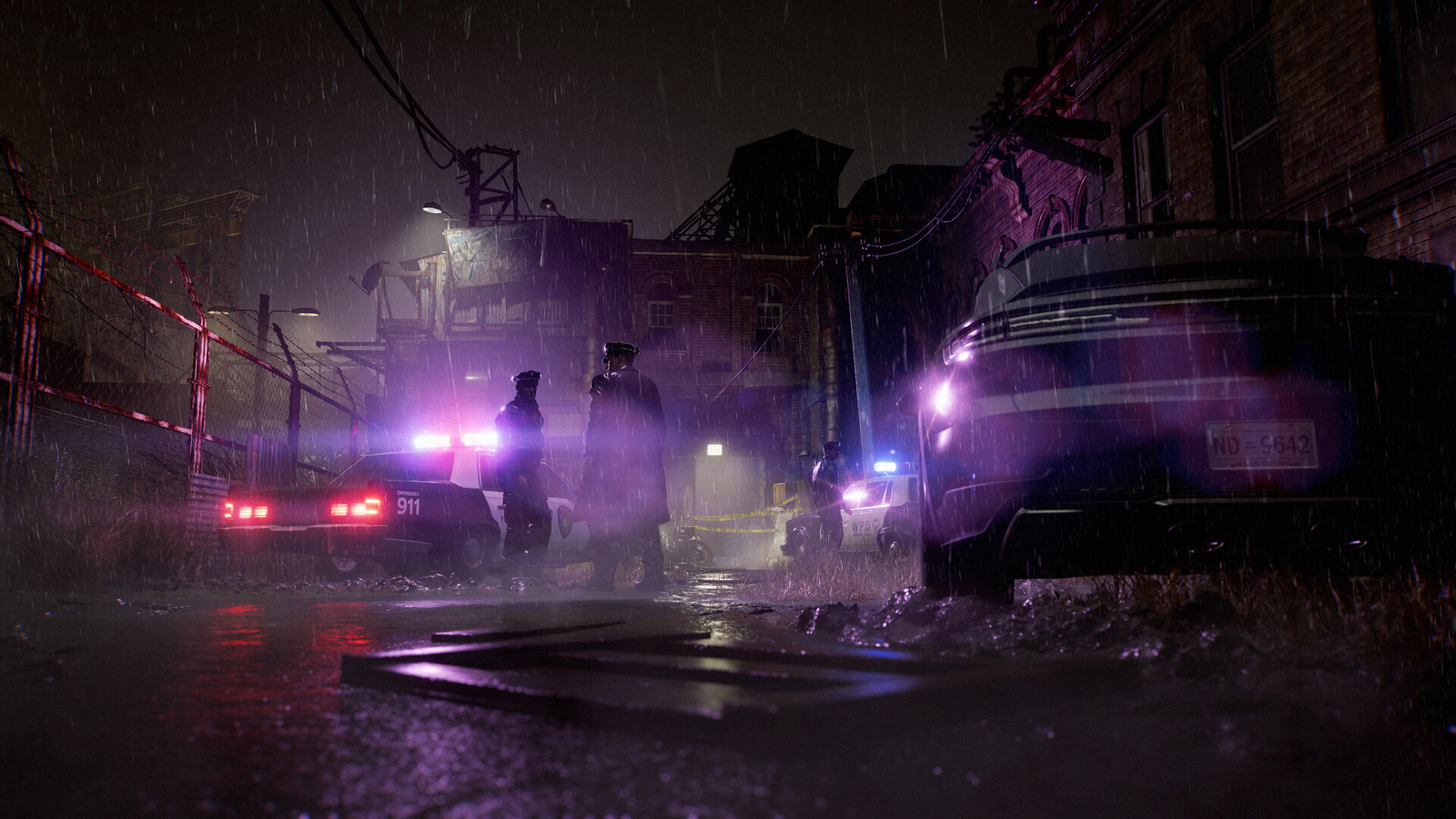
The Mesh Quality setting controls the level of detail of the models within the world, such as objects and the surrounding environment. The difference between the different levels is not significant often, so it can be lowered slightly to gain some additional performance without a noticeable impact on image quality, especially in crowded scenes.
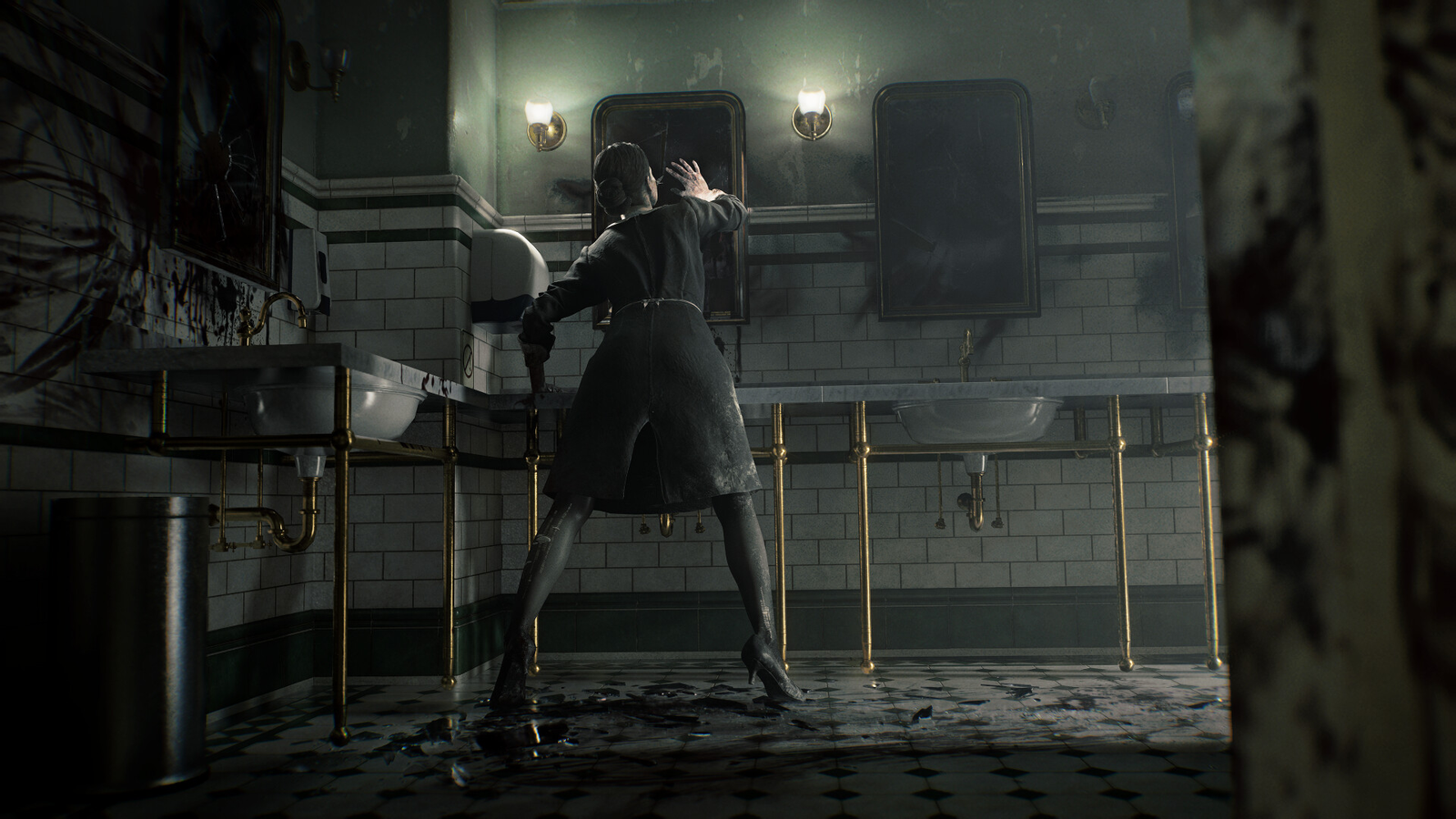
You’ll see also settings like Screen Space Reflections, which add additional reflections to some surfaces within the game. These reflections add visual depth to the scene and make some materials, such as glossy floors or metal surfaces, look more realistic. Alongside that comes Subsurface Scattering, which controls how light interacts with semi-transparent materials like skin. This helps make characters look more natural by simulating how light penetrates the layers of skin in reality.
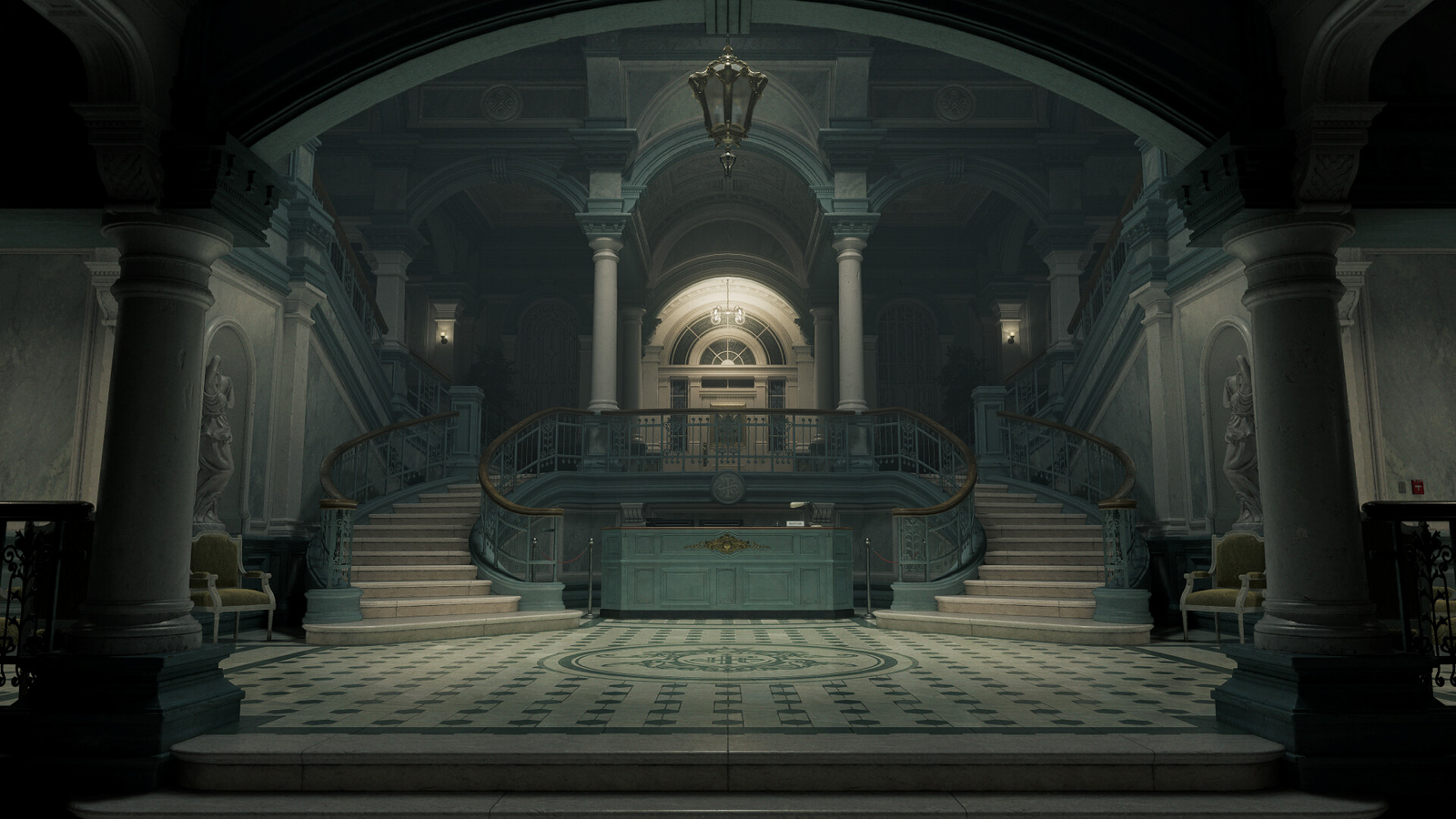
Settings like Shadow Quality, Ambient Occlusion, and Volumetric Fog also play a significant role in building the game’s atmosphere. Shadows add a sense of depth and define the shape of the environment, while ambient occlusion highlights details in corners and areas that don’t receive direct light. Volumetric fog adds additional layers to the overall mood of the scene, a crucial element in horror games as it enhances the feeling of mystery and tension within the environment.
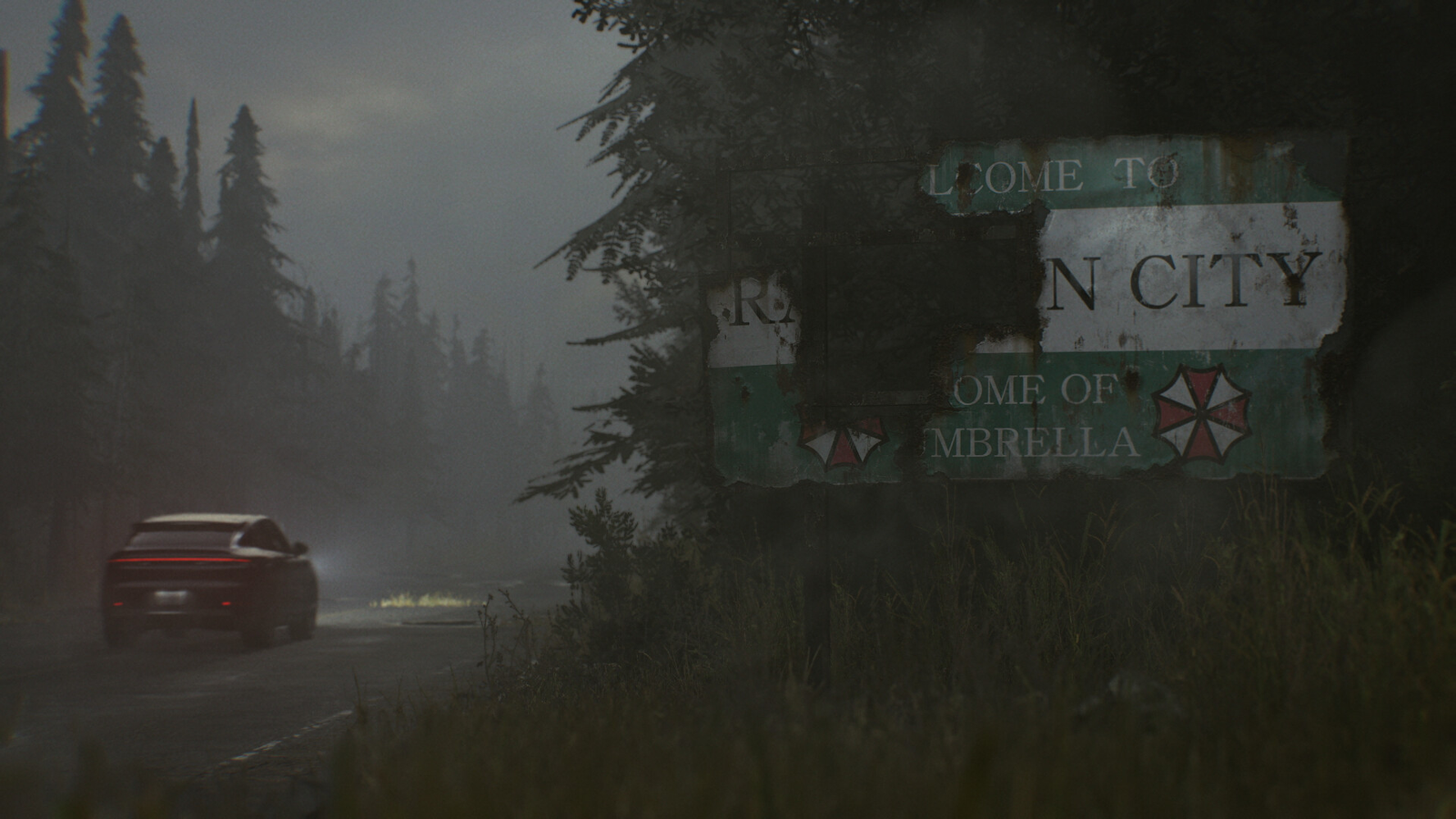
Resident Evil Requiem offers a wide range of graphics settings that supply players great flexibility in adjusting the experience to suit their hardware. With some simple adjustments, a solid balance between image quality and smooth performance can be easily achieved, without having to lower most settings or sacrifice the game’s overall look.
Modern NVIDIA Technologies in Resident Evil Requiem
With the significant visual leap offered by Resident Evil Requiem, especially when using advanced lighting techniques like Path Tracing, relying on performance enhancement technologies becomes essential for achieving a smooth experience. This is where NVIDIA’s DLSS technologies arrive into play, now a core component of running modern games at high settings without sacrificing performance.
The game supports DLSS 4, the latest generation of AI-powered upscaling technology. This technology renders the game at a lower internal resolution and then reconstructs the image to a higher resolution using advanced AI models, allowing for better performance while maintaining high image quality. In some cases, the image may even appear more stable than the native quality thanks to reduced aliasing and improved fine details.
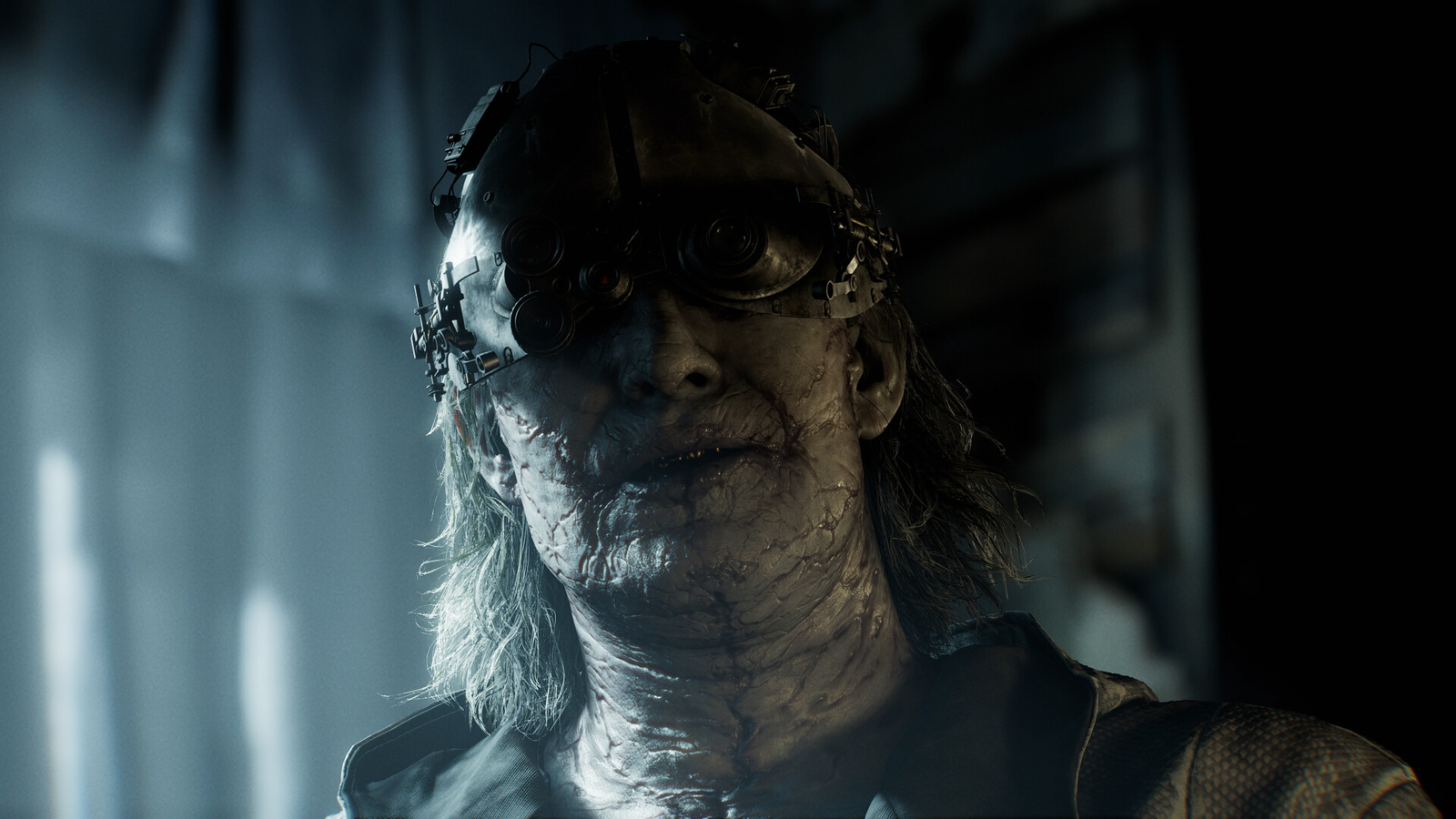
In addition to that, the game supports Frame Generation, a technology that generates additional frames between real frames using artificial intelligence, helping to increase the frame rate and improve motion smoothness significantly.
But the biggest leap comes with Multi Frame Generation (MFG), a new technology in DLSS 4 that can generate multiple additional frames for each frame actually rendered. This allows for a significant doubling of the frame rate compared to the previous generation of Frame Generation, which is particularly important when running demanding graphics settings like Path Tracing.
It’s also worth noting that the latest DLSS 4.5 models can be easily enabled via the NVIDIA App without waiting for an update from the game itself. These new models offer additional improvements in image quality and stability, especially in complex scenes. However, it’s recommended not to use them if you have a card from the RTX 30 or RTX 20 series, as these models rely on heavier algorithms and may lead to a performance drop on these cards. They are also primarily aimed at modes like Performance and Ultra Performance, where their effect is best seen on newer cards capable of handling these models without significant performance loss.
Technical Performance Tests
System Specifications Used for Testing:
Computer One:
- Motherboard: ASUS ROG Maximus Z890 Hero.
- Processor: Intel Core Ultra 9 285K
- Storage: Kingston Fury Renegade PCIe 4.0 NVMe M.2 SSD.
- RAM: Kingston Fury Beast DDR5-6000 CL30 16GB*2.
- Graphics Card: ASUS TUF Gaming RTX 5080 OC.
Computer Two:
- Motherboard: ASUS ROG Maximus Z890 Hero.
- Processor: Intel Core Ultra 9 285K
- Storage: Kingston Fury Renegade PCIe 4.0 NVMe M.2 SSD.
- RAM: Kingston Fury Beast DDR5-6000 CL30 16GB*2.
- Graphics Card: ASUS TUF Gaming RTX 4080 OC.
Computer Three:
- Processor: Intel Core I5-12400F.
- Graphics Card: Nvidia RTX 4070 Super 12GB.
- RAM: 32GB of DDR5 RAM at 5200MTs.
- Storage: 2TB SSD.
Test Results:
Computer One with RTX 5080:
Maximum Settings – RT High – Native 4K Resolution
- Maximum Frame Rate: 80 FPS.
- Average Frame Rate: 72 FPS.
Maximum Settings – Path Tracing – 4K Resolution with DLSS on Performance
- Maximum Frame Rate: 68 FPS.
- Average Frame Rate: 55 FPS.
Maximum Settings – Path Tracing – 4K Resolution with DLSS on Performance with MFG X4
- Maximum Frame Rate: 173 FPS.
- Average Frame Rate: 160 FPS.
Computer Two with RTX 4080:
Maximum Settings – Native 4K Resolution
- Maximum Frame Rate: 66 FPS.
- Average Frame Rate: 64 FPS.
Maximum Settings – Path Tracing – 4K Resolution with DLSS on Performance
- Maximum Frame Rate: 46 FPS.
- Average Frame Rate: 42 FPS.
Maximum Settings – Path Tracing – 4K Resolution with DLSS on Performance with FG 2X
- Maximum Frame Rate: 73 FPS.
- Average Frame Rate: 70 FPS.
Computer Three with RTX 4070 Super:
Maximum Settings – RT High – Native 2K Resolution
- Maximum Frame Rate: 60 FPS.
- Average Frame Rate: 54 FPS.
Maximum Settings – Path Tracing – 2K Resolution with DLSS on Quality
- Maximum Frame Rate: 40 FPS.
- Average Frame Rate: 36 FPS.
Maximum Settings – Path Tracing – 2K Resolution with DLSS on Performance with FG 2X
- Maximum Frame Rate: 90 FPS.
- Average Frame Rate: 85 FPS.
Final Thoughts on Performance
After spending several hours with Resident Evil Requiem on PC, the overall performance was good and stable compared to some recent releases. The RE Engine continues to prove its ability to deliver strong graphics without turning performance into a major issue, a characteristic seen in most of the series’ games in recent years.
