
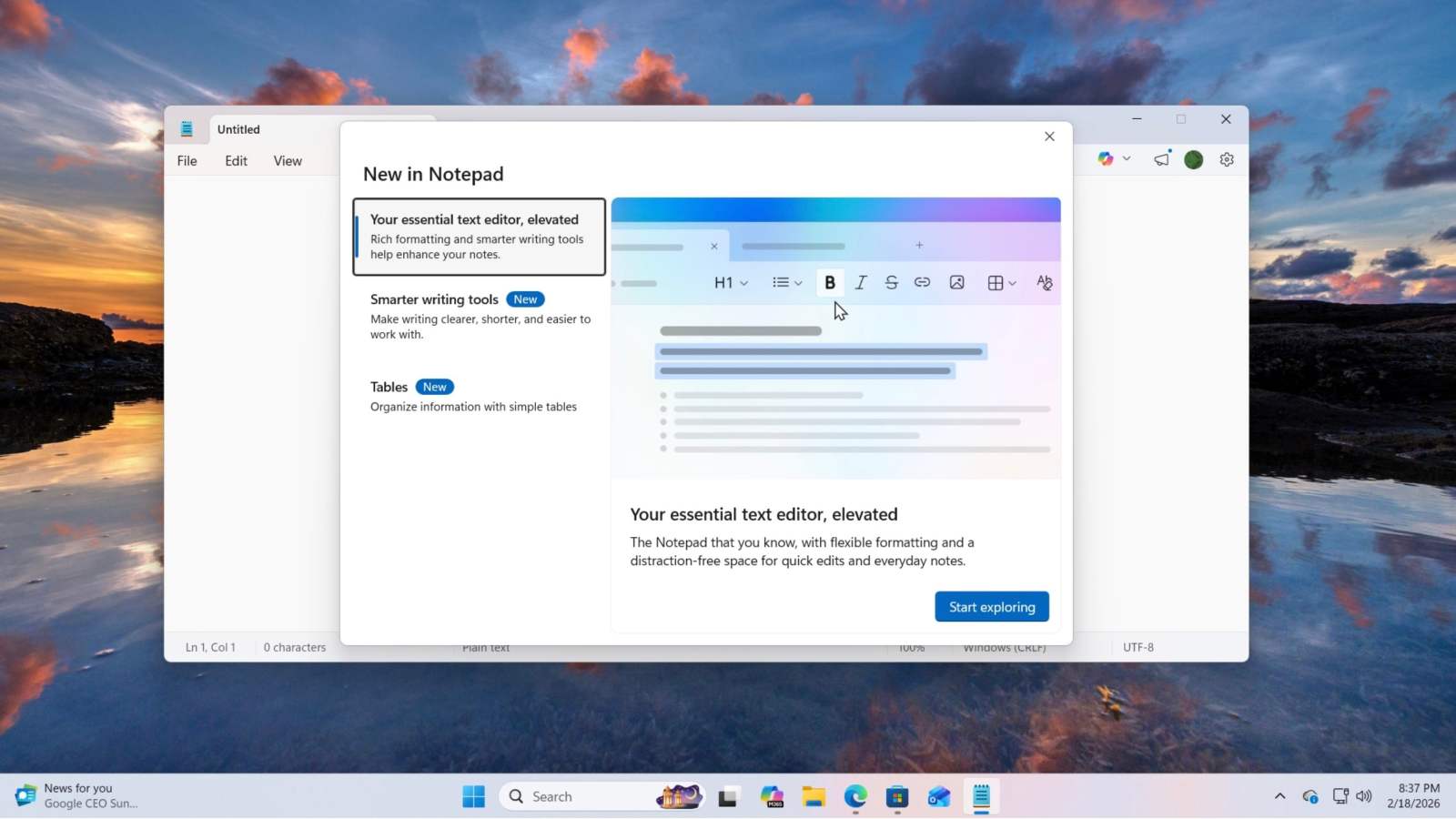
Microsoft is continuing to enhance the Windows 11 Notepad experience. Windows Latest has confirmed that image support is currently rolling out to the native text editor, a significant advancement for what was once a highly basic tool.
Microsoft appears to be positioning Windows 11 Notepad as a serious competitor to macOS’s Pages application. The company has been steadily improving the native text editor since the discontinuation of WordPad nearly three years ago.
Previously, WordPad served as a simplified, less powerful version of MS Word, although Notepad was essentially an enhanced simple notepad.
In recent months, however, Notepad has significantly evolved, inheriting features from the former WordPad and adding modern functionality to increase its versatility and usefulness for users needing a basic yet effective text editor. This evolution reflects a broader trend of enhancing core operating system utilities to meet modern user needs.
Notepad Can Now Handle Images… a (Small) Revolution
The major new feature coming to Notepad is image support.
Windows Latest confirmed that Microsoft is adding this functionality to the tool, and that it will have a “minimal impact” on performance. Users will also be able to disable this feature – and others – if they prefer a lighter version of Notepad.
This image support, a notable update for the application, builds on the rollout of Markdown support (for bold, italics, and hyperlinks) which occurred last summer and marked another step in Notepad’s transformation.

Source : Capture d’écran Windows Latest

Source : Capture d’écran Windows Latest
The image support is currently available through the Windows Insider program, via a recent update. The update includes an image button in the Notepad toolbar. While not yet active, this button suggests a full rollout will occur relatively soon – within the coming months, according to Windows Latest.
