
Many homes and small offices struggle with unstable or slow internet connections that can’t reliably support all connected devices. This can disrupt everyday activities, from streaming entertainment to remote work.
Wi-Fi repeaters have turn into a popular solution to extend wireless coverage, boosting the signal from the main router to reach previously inaccessible areas. However, a frequently overlooked technical detail can significantly impact network performance: some repeaters include an Ethernet port that is limited to the older Fast Ethernet standard.
¿El suyo está en la lista? Este es el ranking de los mejores celulares con batería de larga duración
According to specialized tech portals like Redes Zone, these devices are limited to speeds of 100 Mbps. Even if the repeater receives an optimal signal from the router, performance won’t exceed that threshold, potentially leading to a frustrating user experience. This limitation is not a coverage issue, but a technical bottleneck.

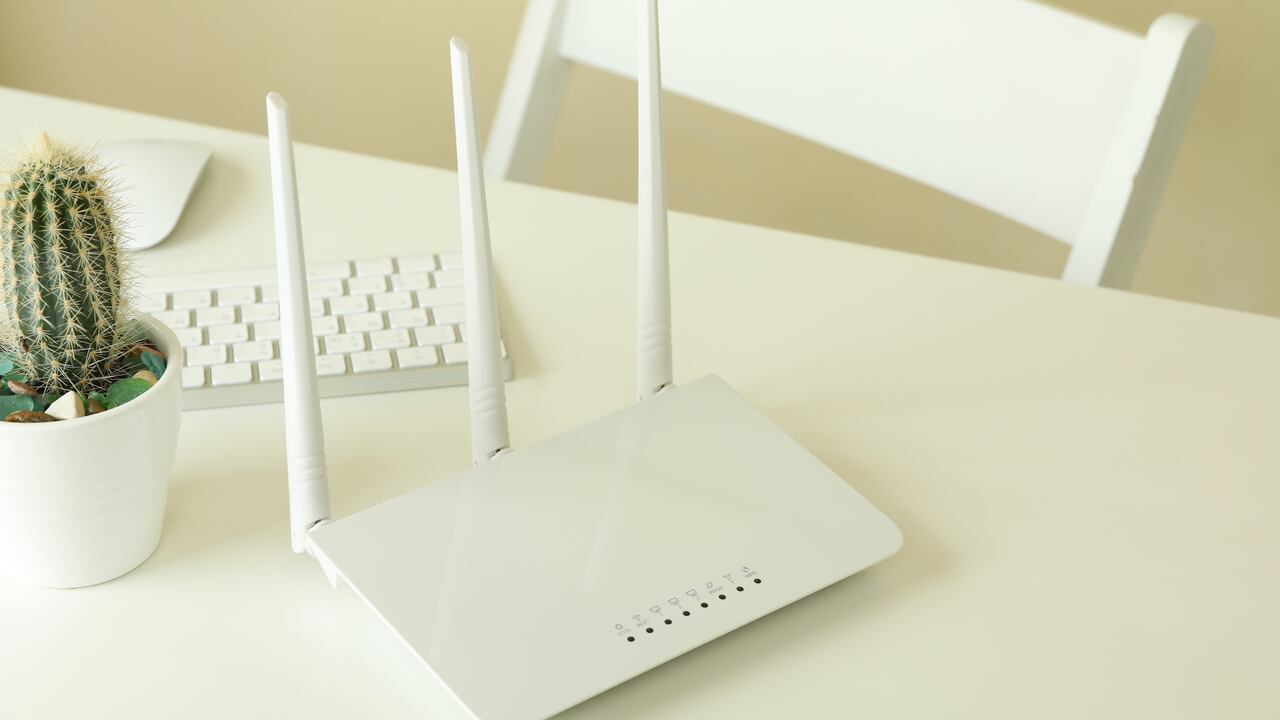
Evitar obstáculos como paredes y materiales metálicos ayudaría a prevenir un mal rendimiento en el internet. Foto: Getty Images
To avoid this, users should opt for a repeater with a Gigabit Ethernet port. This issue is particularly relevant in homes with multiple devices simultaneously consuming data and requiring sustained speeds exceeding 100 Mbps. A network relying on a repeater with a Fast Ethernet port can quickly become saturated, resulting in high latency and an inconsistent user experience.
However, the limitation may not be immediately noticeable for users with modest internet connections. As broadband plans increase in speed and data consumption grows, these restrictions become more apparent.
How to Verify Your Wireless Connection’s Actual Performance
To confirm whether changes have optimized the connection, it’s advisable to run speed tests using specialized services like Speedtest or Which? These tools allow you to compare performance before and after modifications, while correctly interpreting indicators such as latency and upload/download speeds to verify if any real improvements have been made or if the signal remains unchanged.

¿El fin de las regletas eléctricas?: el invento tecnológico que podría revolucionar la forma de conectar los aparatos en el hogar
If no differences are observed in the results, the limitation likely stems from the contracted internet plan or a router that no longer meets current standards. Experts recommend replacing the router approximately every five years to maintain adequate performance and enhance network security.

El acceso a las opciones internas del router permite optimizar la conexión sin cambiar de plan de internet. Foto: Getty Images
