
YouTube’s Ambient Mode, launched in 2022, aimed to enhance the viewing experience with dynamic lighting effects, but the feature has drawn criticism from users citing performance issues and distractions.
With over 2.7 billion active users worldwide, YouTube consistently ranks among the top three most popular social media platforms. A 2024 study by Business of Apps confirmed its position in the top tier.
To maintain its leading position, YouTube regularly introduces new features and innovations. Recent additions include AI-powered automatic dubbing, which, after two years of testing, is now fully operational and has attracted over 6 million users.
However, not all updates are well-received. Past features, such as forced Auto Zoom on Android, have frustrated users. Now, attention is turning to another controversial tool: Ambient Mode.
What is YouTube’s Ambient Mode?
Launched in October 2022 through a software update, Ambient Mode is available on YouTube’s web, Android, and iOS versions. The feature was part of a broader effort to redesign the platform’s interface and user experience.
According to Google, “Ambient Mode uses a lighting effect to make videos more immersive: soft colors from the video are projected onto the background of your screen.”
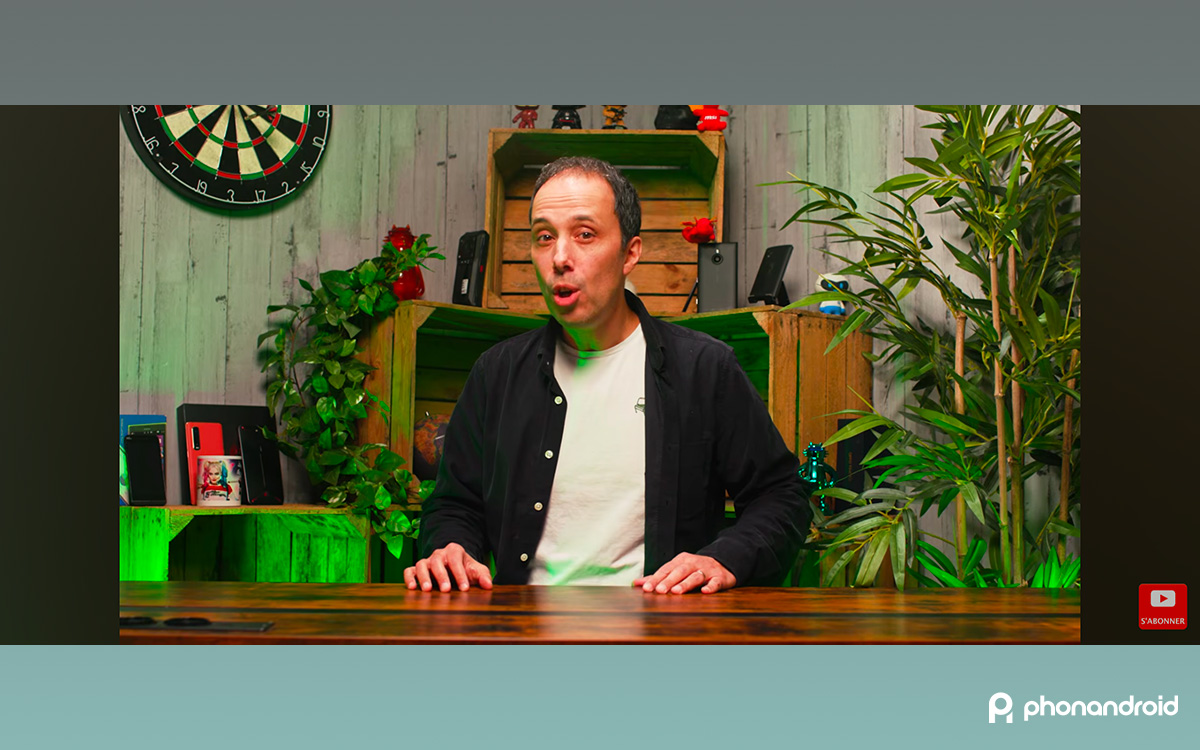
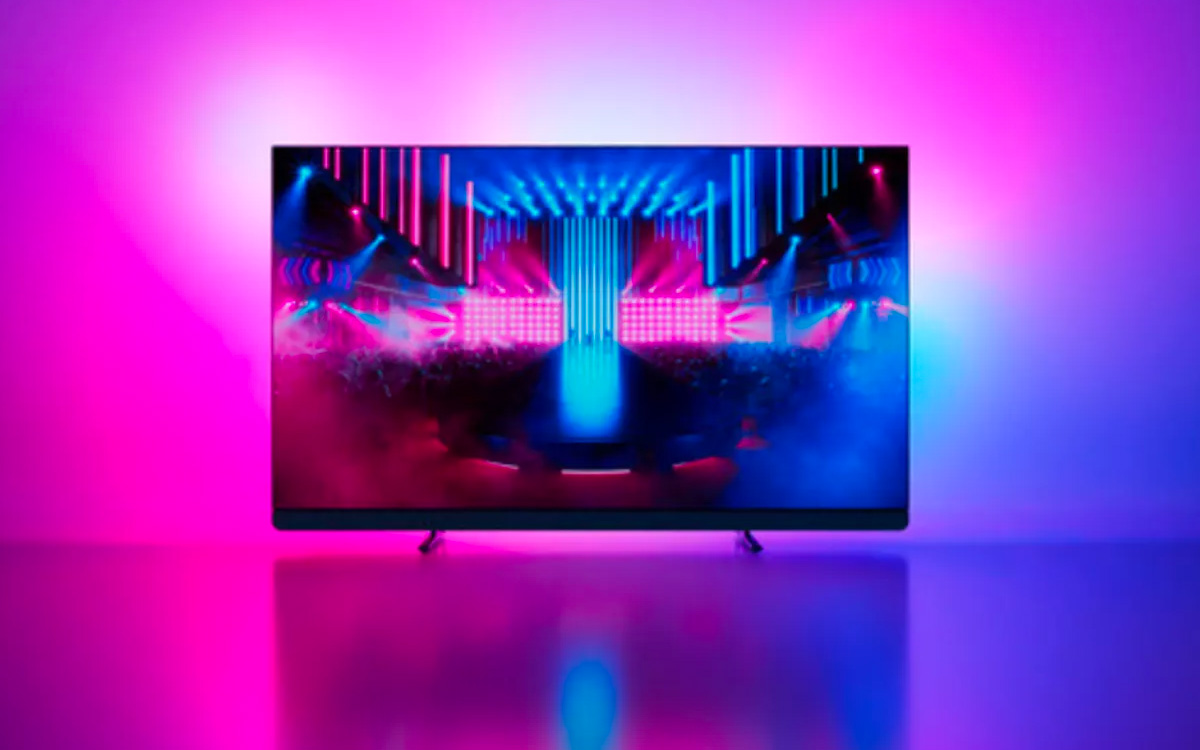
the feature eliminates black bars when watching videos in 16:9 or 21:9 aspect ratios—common for much of online content—replacing them with dynamic, color-shifting halos that adapt to the video’s visuals. This is reminiscent of Philips’ Ambilight TV technology, albeit on a smaller scale.
Read similarly: YouTube only suggests uninteresting videos? These 4 settings will support you manipulate the algorithm
Ambient Mode: A Misguided Feature?
It didn’t take long for Ambient Mode to attract detractors. Users quickly criticized the feature as distracting, particularly during longer videos. The constant shifting of colors proved unhelpful for maintaining focus. The issue was compounded by noticeable delays, as reported by several users: “The delay makes it sound completely wrong, nothing like a real TV ambient installation,” one user denounced on Reddit.
Adding to the problems, the feature tended to heavily tax the GPU on both Mac and PC systems. Numerous testimonials on Reddit confirm this: “I’m on a Macbook Air and the same thing happened, YouTube suddenly lags, the colors were clearly wrong, the computer heats up, I had my Macbook cleaned and inspected by a professional, nothing wrong, disabling Ambient Mode and boom everything works perfectly!” one user shared on the social network.
In 2024, Intel even published a dedicated article on its official support page : “Excessive GPU usage when watching high-resolution YouTube videos.” The company specifically noted that Ambient Mode could “cause performance issues on systems with low-complete graphics cards or integrated graphics.”
Even today, Ambient Mode can still cause performance problems on some devices, in addition to hindering concentration. Fortunately, it is possible to disable the feature permanently and revert to the standard black bars.
The process is the same on computers, Android devices, iPhones, and iPads. Here’s how to disable Ambient Mode:
- Open YouTube and start a video (but not a Short).
- From the player page, tap/click on Settings, then More to access additional settings.
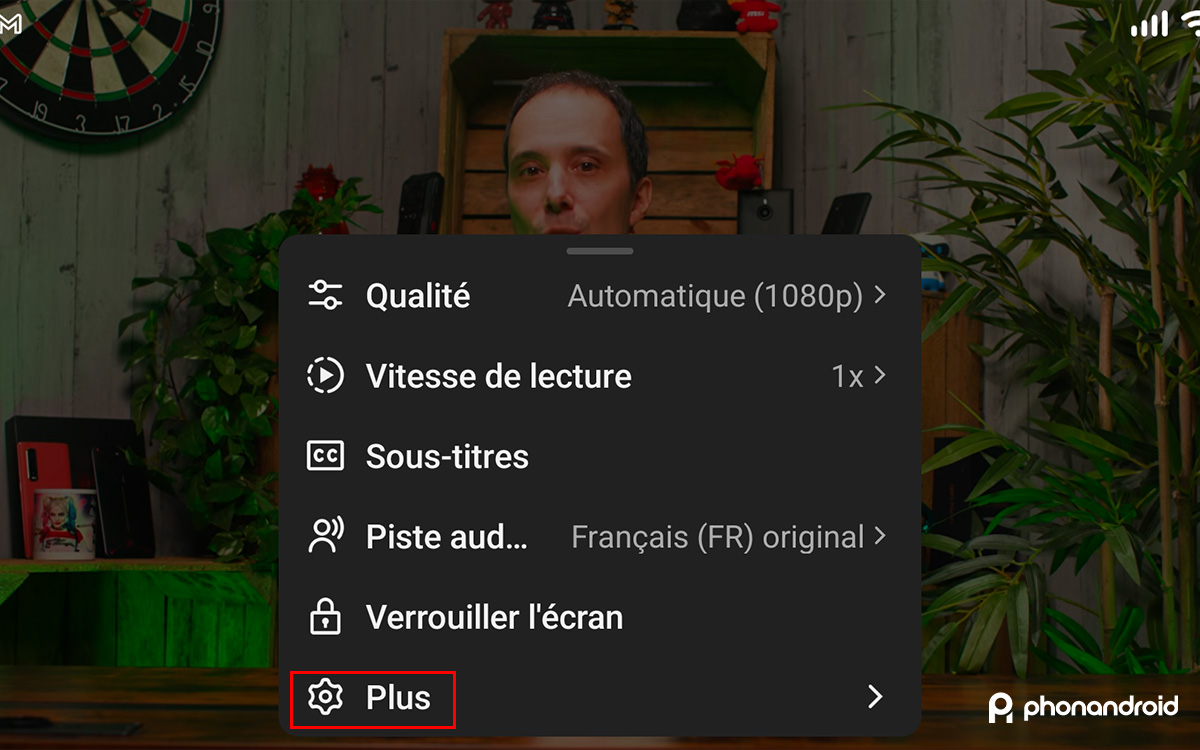
- Look for the Ambient Mode option and tap the dedicated button to disable the feature for all videos.
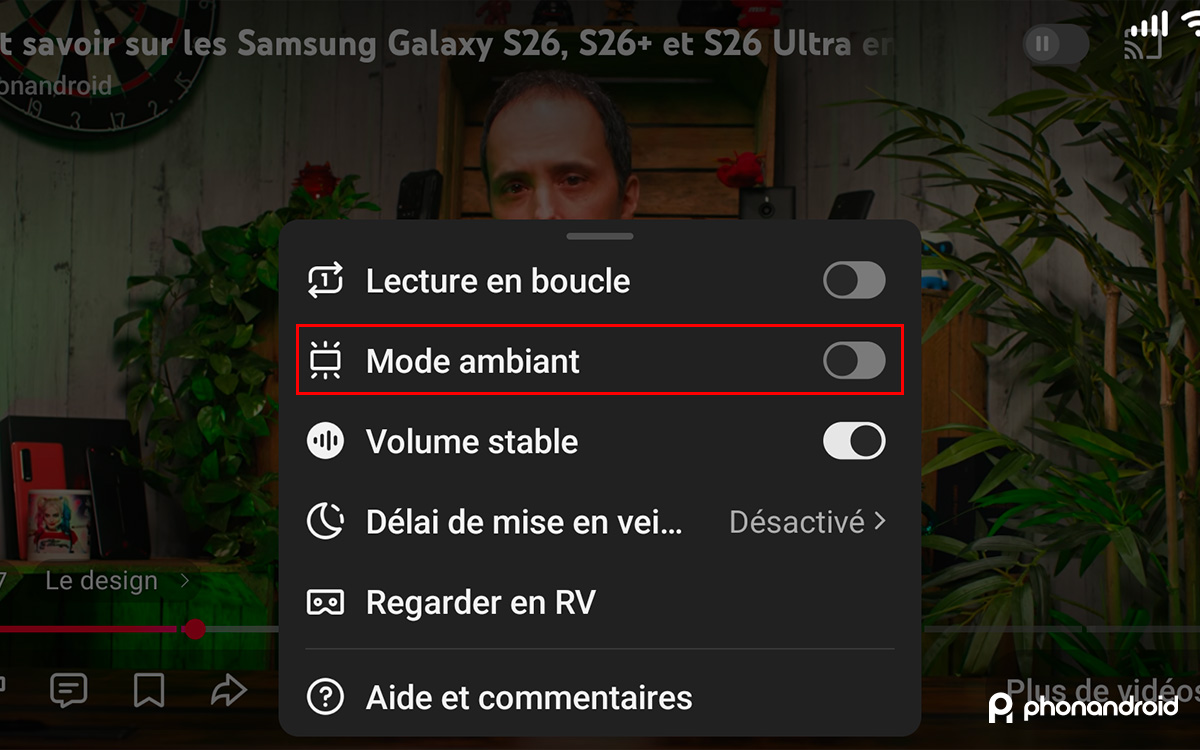
And that’s it – you’ll no longer be bothered by Ambient Mode when you’re enjoying videos on YouTube.
