
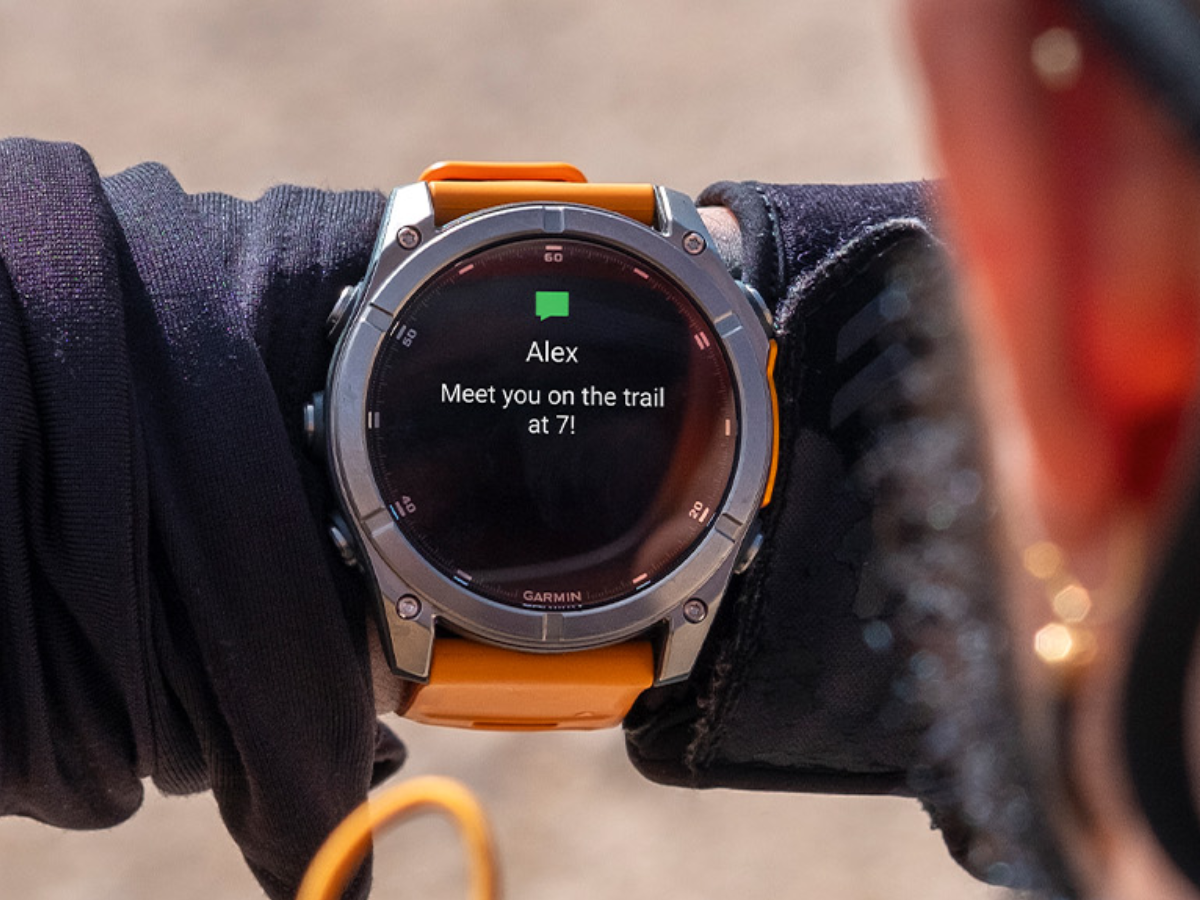
Garmin Connect Update Reverts Do Not Disturb Settings After User Complaints
Garmin has released version 5.19 of its Connect app for Android, restoring the previous functionality of the Do Not Disturb (DND) settings following widespread user complaints about changes implemented in the prior release.
Yesterday, many Garmin smartwatch users reported that the version 5.18 update had unexpectedly linked the watch’s DND mode to the DND settings on their connected Android smartphones. This meant that if a user enabled DND on their phone, their Garmin watch would also silence all notifications, even if the watch’s DND mode was disabled. Users voiced their concerns on the Garmin Forum, citing the loss of independent control over notifications as a significant issue.
The new 5.19 update reverts to the original behavior, decoupling the smartwatch’s DND settings from the smartphone. This change allows users to receive alerts on their watch even when their phone is in Do Not Disturb mode. The ability to receive timely notifications from a smartwatch is crucial for activities like running or cycling, where relying solely on a phone can be impractical.
While some users reported needing to force quit the app, clear the cache, or reboot their devices to activate the update, version 5.19 is now globally available for download through the Google Play Store. Some customers have requested Garmin add a toggle to allow users to choose between the mirrored and independent DND settings, but the company has not indicated plans to implement such a feature.
Garmin has not yet issued a formal statement regarding the update, but the rollout suggests the company responded directly to user feedback.
The Garmin Connect app for Android has been updated to version 5.19, resolving an issue recently flagged by customers. After the previous release, version 5.18, many customers took to the Garmin Forum to complain about a change made to the Do Not Disturb (DND) settings.
Historically, the Do Not Disturb mode on a Garmin smartwatch was not linked to the DND settings on the connected smartphone. This meant that, as long as your watch was not in DND mode, it would receive notifications as usual, with a vibration or sound to alert you of the message. With Garmin Connect app version 5.18, the company changed the DND setting so that it mirrored that of an Android smartphone, silencing all notifications.
Following pushback from a large number of users, the Garmin Connect app version 5.19 for Android reverts to the old Do Not Disturb settings, so that the smartwatch is unaffected by the smartphone. Some customers are calling for Garmin to add an option for users to toggle between these two options, where DND either matches or is separate from the settings on the phone. However, Garmin has not suggested that it is planning on developing this tool.
Some users have confirmed in the Garmin Forum that they needed to force quit the app, clear the cache and/or reboot their device for the change to come through following the app update. Garmin Connect app version 5.19 is now rolling out to users globally and can be downloaded via the Google Play Store.
I’ve been interested in technology for as long as I can remember. From a young age, I have loved gadgets and understanding how things work. Since graduating, I have worked for several technology companies across FinTech, AdTech and Robotics.
