
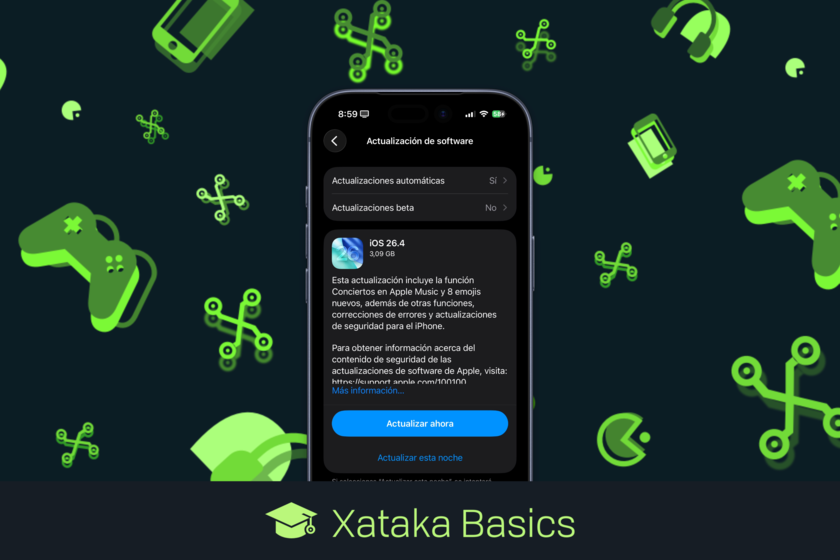
Apple has released iOS 26.4, bringing a range of updates to iPhone users, including enhancements to Apple Music, new emoji, and accessibility improvements. The update arrives as the tech industry continues to focus on the integration of artificial intelligence into mobile operating systems, though the highly anticipated AI-powered Siri remains delayed.
While rumors suggested the latest iOS version would include significant AI features, those capabilities will arrive in a future update. Despite this, iOS 26.4 introduces several notable changes designed to improve the user experience and security of Apple’s mobile platform.
What’s New in iOS 26.4
Apple has announced a series of new features and corrections included in this latest update. These changes will be available to iPhone users after they install iOS 26.4.
- RCS Encryption: Messages sent via RCS now implement end-to-end encryption, initially between iPhone users. Apple plans to extend this encryption to conversations between iPhone and Android devices in future updates.
- Built-in Theft Protection: iPhone’s theft protection feature, which prevents a thief from signing out of an Apple account using only the passcode, is now enabled by default.
- Improved Family Sharing Payments: Adults within a Family Sharing group can now use their own payment methods for purchases, rather than relying solely on the organizer’s payment information.
- Redesigned App Store: The App Store has been redesigned for a more intuitive experience, with improvements to the organization of purchases, subscriptions, and updates.
- Notifications on Third-Party Watches: iPhone notifications can now be displayed on Samsung, Google, Huawei, and other manufacturers’ smartwatches – a feature previously delayed from iOS 26.3. However, users can only connect to one smartwatch at a time.
- Urgent Reminders: Reminders can now be marked as urgent directly from the Quick Access toolbar or by long-pressing them.
- Apple Music Concerts: The Apple Music app now includes a Concerts section, displaying upcoming shows near the user featuring artists in their library, as well as personalized recommendations.
- Offline Music Recognition: The Control Center’s music recognition feature can now identify songs even without an internet connection, displaying results when connectivity is restored.
- Ambient Music Widget: A new Home Screen widget provides access to the Ambient Music playlists designed to help users sleep, relax, or focus.
- Enhanced Apple Music Backgrounds: Albums and playlists now feature full-screen backgrounds, utilizing artwork colors to style the entire interface.
- 8 New Emoji: Eight new emoji have been added, including an orca, a trombone, a landslide, a ballet dancer, and a distorted face.
- Data Sharing Statistics: Users who share their iPhone’s data connection can now view detailed statistics on the amount of data shared in the settings menu.
- Video Podcasts: Apple Podcasts now offers improved integration for video podcasts.
- Freeform in Apple Creator Studio: The Apple Freeform app is now integrated into Apple Creator Studio, providing access to premium content and intelligent features.
- Keyboard Accuracy Improvements: Typing accuracy has been improved to reduce errors during fast typing.
- Reduced Bright Effects: A new accessibility feature minimizes highlighting and flashing effects when touching buttons and other screen elements.
- Subtitles Icon: An accessibility adjustment adds an icon for subtitles while viewing content, making them easier to find, customize, and preview.
- Reduced Motion in Liquid Glass: An accessibility setting minimizes screen animations for users sensitive to motion.
- AirPods Max 2 Compatibility: Compatibility with AirPods Max 2 has been added.
- Updated Lock Screen Wallpapers: Lock screen wallpapers are now organized differently.
The update signals Apple’s continued commitment to refining the iOS experience and enhancing user privacy and security.
