
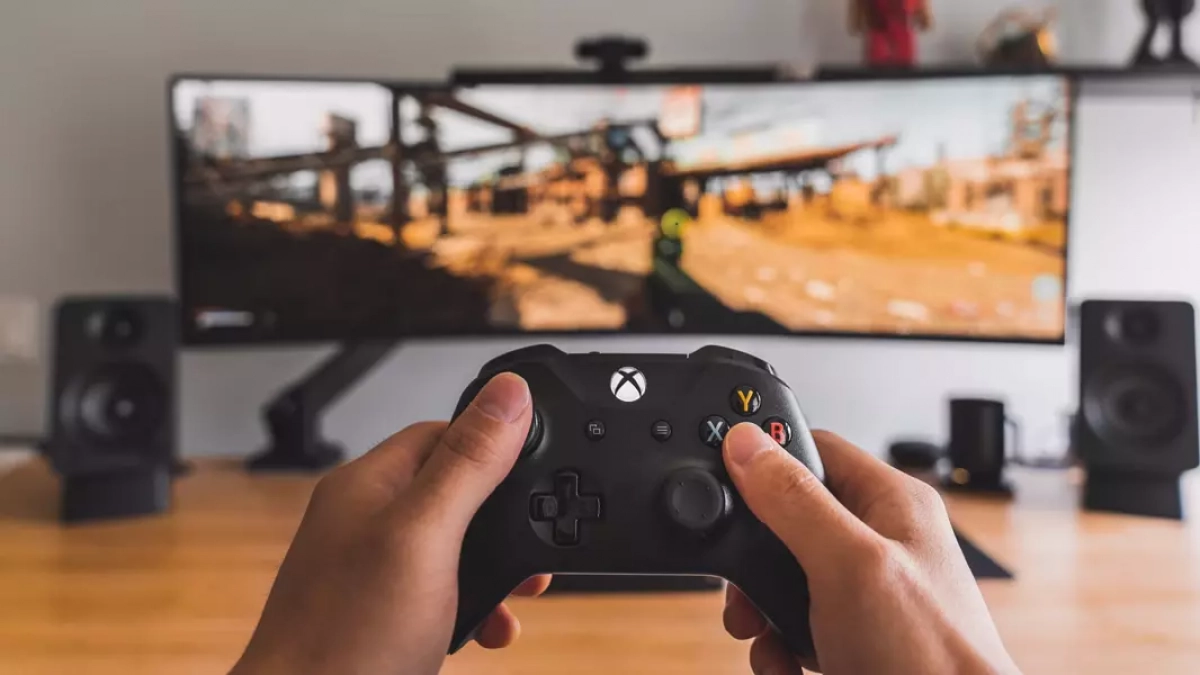
Microsoft is pushing further to unify the PC and Xbox gaming experiences with a new windows 11 Insider Preview build. The update introduces a dedicated, full-screen mode designed to replicate the familiar interface of the Xbox console, aiming for a more immersive and streamlined gaming session on PCs. Currently available to users in the Dev and Beta channels, this feature represents Microsoft’s continued effort to cater to the growing crossover between PC and console gamers.
Microsoft has released a new Insider Preview Build 26220.7271 for Windows 11, bringing with it a dedicated, full-screen experience for Xbox gaming on PC. The update, currently available to users in the Dev and Beta Channels, aims to replicate the streamlined console experience for PC gamers.
A Console-Like Experience on PC
Designed with console navigation in mind, the new full-screen view offers a distraction-free interface optimized for controller-based gaming. Microsoft describes the feature as allowing users to easily transition into an “immersive, simplified Xbox full-screen experience” simply by picking up their controller. The update reflects a broader trend of bridging the gap between PC and console gaming ecosystems.
The Xbox full-screen mode can be activated through the taskbar, using the Win + Tab keyboard shortcut, or via the Game Bar settings with a press of Win + F11. Users can manage the options within Windows Settings under “Gaming” and “Full screen mode,” where the feature can also be completely disabled.
The Xbox full-screen mode is intended to provide a more immersive experience for players seeking a console-like feel on their PCs. Once activated, users will see the Xbox home screen and can access their games or Xbox Game Pass. A long press of the Xbox button on the controller, or a press of the Windows key + F11, allows users to switch between open apps and games.
What are your thoughts on the new feature for Windows 11? Share your opinion in the comments. To comment, you must be logged in to PCGH.de or the Extreme Forum. If you do not have an account yet, you might consider registering, which offers many benefits. Please note the valid forum rules when commenting.
Source: Microsoft, Insider Gaming
