
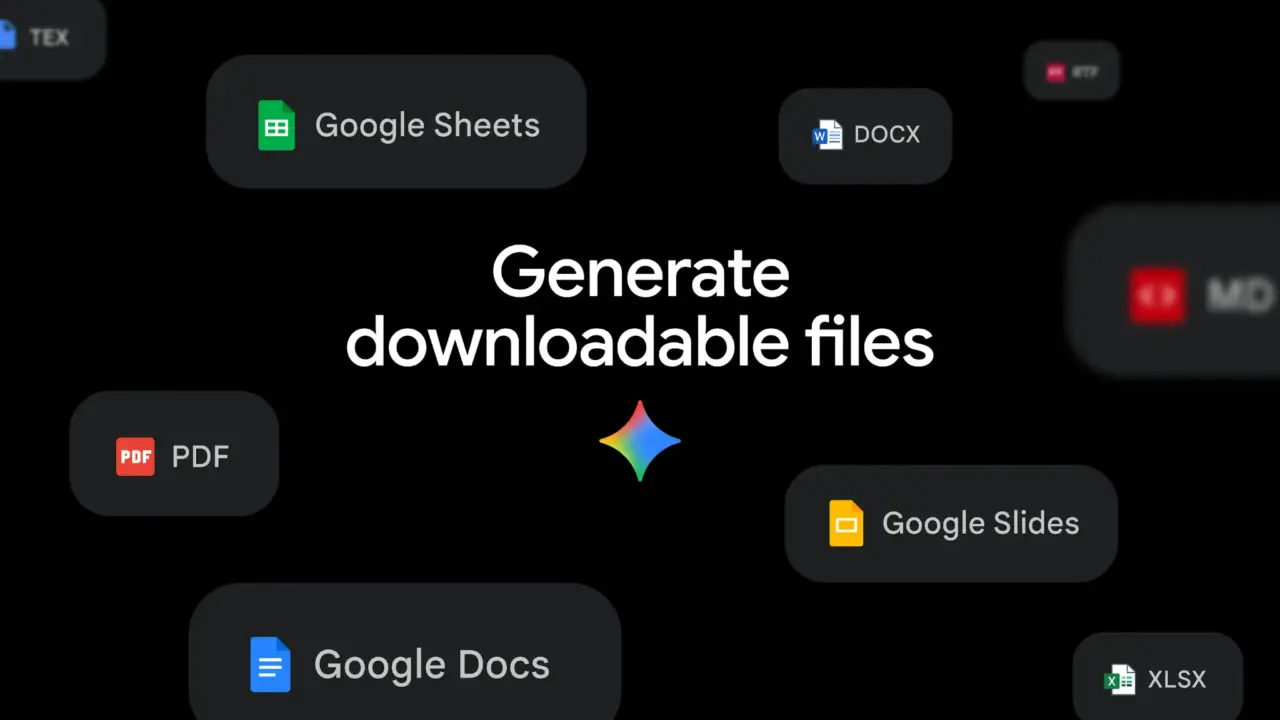
Google Enhances Gemini with File Generation and Proactive Assistance
Google is significantly expanding the capabilities of its AI ecosystem, introducing a suite of updates to Gemini and NotebookLM designed to transform how users handle data and productivity. The latest enhancements shift the AI from a reactive conversational tool to a proactive productivity assistant capable of generating structured professional documents.

In a move to streamline professional workflows, Google Gemini now supports direct file creation. According to recent reports, the AI can now prepare files in various formats, specifically including the ability to generate Excel spreadsheets and PDF documents. This update allows users to move beyond simple text responses, enabling the AI to organize data into functional formats that are ready for immediate professional use.
Beyond document creation, the Google Gemini app is evolving its user interaction model. The integration of “proactive support” capabilities is expected to fundamentally change the user experience, allowing the AI to anticipate user needs rather than simply responding to prompts. This shift toward anticipatory AI suggests a broader strategy to integrate Gemini more deeply into the daily operational habits of its users.
The productivity push extends to Google NotebookLM as well. The tool has introduced a new slide creation feature, which is positioned as a major step forward for personal productivity. By allowing users to convert their synthesized notes and research into presentation slides, Google is further bridging the gap between information gathering and final output.
These updates signal a strategic pivot toward “action-oriented” AI. By combining proactive assistance with the ability to output structured files and presentations, Google is positioning its AI tools not just as sources of information, but as active participants in the content creation process.
