

Meta Rolls Out Major Quest Update with Enhanced Home Personalization and Windows 11 Integration
Meta today released Horizon OS v81, a significant update for its Quest virtual reality headsets, focusing on improved personalization options, seamless integration with Windows 11, and easier access to its Horizon Worlds social VR platform.
The update introduces an “Immersive Home” experience allowing users to pin windowed applications and select from new scenic environments, while a redesigned “Passthrough Home” enables similar customization in mixed reality, anchoring apps to real-world surroundings. Users can now place virtual objects within their physical space, such as an avatar mirror or a portal to Horizon Central. This level of personalization aims to make the VR environment feel more like a natural extension of the user’s everyday life.
Horizon Central, the hub for Horizon Worlds, has been rebuilt to support a larger number of users in a more detailed environment, with faster navigation and a new digital storefront for avatar items. A new “Arena” space will host live concerts, comedy shows, and sporting events. Furthermore, the new “Mixed Reality Link,” developed in collaboration with Microsoft, brings Windows 11 and Windows 365 to Quest headsets, supporting multiple virtual monitors for both VR and MR workflows; this feature will be included by default on future Windows 11 PCs. For more information on the capabilities of virtual reality, visit How-To Geek.
Additional features in v81 include “Full Passthrough” for quick access to real-world views while in apps, shareable links for VR photos and videos via the Horizon mobile app, support for up to 12 simultaneous app windows, a streamlined Welcome Screen, and improved display control. Users can find the complete release notes here. Meta’s continued investment in the Quest platform is crucial as the company navigates the evolving landscape of spatial computing.
The Horizon OS v81 update is rolling out gradually, and Meta encourages users to check their headset’s OS version to confirm availability.
Meta is rolling out Horizon OS v81, the latest major update for Quest. The update focuses on Home personalization, the new Windows 11 remote desktop, and reducing friction tl entering Meta’s Horizon Worlds social VR platform.
The News
The new Immersive Home experience is getting a customization bump, now allowing Quest users to pin windowed apps and choose from new scenic environments.
The v81 update also includes a redesigned Passthrough Home, which lets you do the same in mixed reality, like anchor apps in physical surroundings so you can keep Spotify on your dresser, Photos on your wall, and WhatsApp on your desk. You can place objects in Passthrough too, like an avatar mirror or a portal to ‘Horizon Central’, the Horizon Worlds hub.
In v81, Horizon Central has also been completely rebuilt, now supporting more users in a larger, more detailed space and featuring faster travel between destinations. It also introduces a digital storefront for avatar items and a new Arena for live concerts, comedy shows, and sports events.
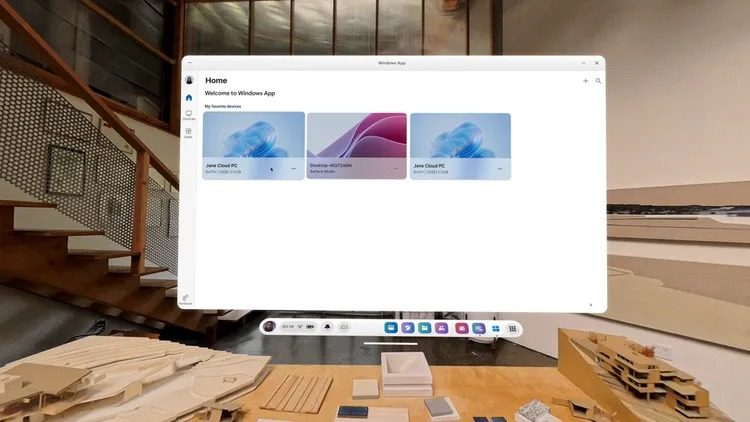
v81 also introduces the new ‘Mixed Reality Link’ function, which was built in collaboration with Microsoft to bring Windows 11 and Windows 365 to Quest. Essentially a remote desktop, Mixed Reality Link supports multiple virtual monitors for both VR and MR workflows. What’s more, future Windows 11 PCs will include Mixed Reality Link by default.
Other highlights include Full Passthrough, which lets players quickly view their real-world surroundings while in apps like Beat Saber, and Shareable Links for VR photos and videos via the Horizon mobile app.
Users can also open up to 12 app windows simultaneously, enjoy a streamlined Welcome Screen, and take advantage of Universal Resize and Ratio Locking for better display control.
To see the gamut of Home changes coming to v81, check out YouTuber ‘Virtual Moose’s’ video below:
Like all Quest software updates, Horizon OS v81 is rolling out gradually, so make sure to check your OS version in-headset to see whether you’ve received the update. You can check out the full release notes here.
My Take
Having remote connectivity to Windows 11 is cool, and so is the ability to more thoughtfully decorate your Home in VR and MR modes. Still, I think the real meat of the update is how Meta is bringing Quest users closer to Horizon Worlds, love it or hate it.
It’s been a long-term strategy that I think is finally paying off. Okay, it’s probably not actually generating a meaningful profit right now, even with its rake of digital item sales, but it’s moving in that direction.
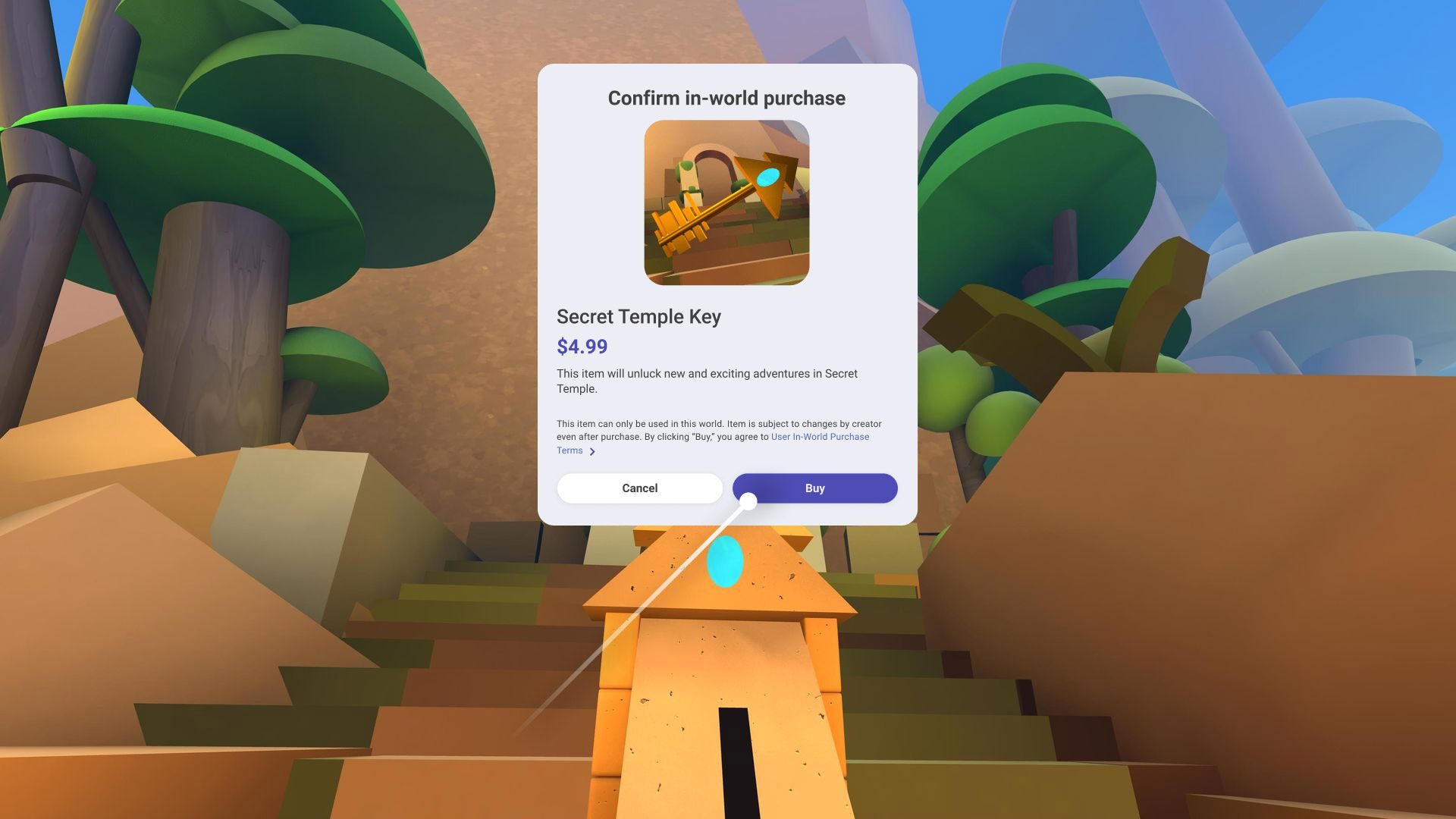
Meta has made some pretty big strides in the past few years. Starting in 2023, a new wave of first-party games made way for even more detailed user-generated content, which can even be done with AI generation nowadays—cutting down the time and difficulty level of producing your own environment.
Arguably the biggest leap in solidifying Horizon Worlds’ position as the de facto social VR platform on Quest is Meta’s new Horizon Engine though, which purportedly speeds up World loading and allows “well over 100” users in a single space. That may not be a big deal for casual user-generated worlds, but it does affect branded live events: comedy shows, sports, immersive film screenings, etc.
I see it a bit like having a more comfortable headstrap. You can put up with the default flappy headstrap, sure, but it creates subconscious friction to donning the headset the next time around. Meta lowering user friction to Horizon Worlds is basically the same thing, which could mean the difference between a user showing up to Horizon Worlds once in every blue moon to multiple times per week for events and hang-outs.
Meta hasn’t released user statistics, so I can’t say for sure, although the fact that Horizon Worlds hasn’t been quietly abandoned of otherwise put on the back burner at this point says to me that Meta is making headway in growing its user base.
